Home

LevelUp Gaming Hub is a small gaming website made for students who enjoy playing video games but also want to improve with a plan. The site focuses on competitive games, steady practice habits, basic setup tips, and ways to make gaming more social without turning it into a stressful routine.
Many players lose matches because they only play more instead of learning from what happened. This website explains simple ways to review mistakes, warm up before matches, and choose equipment that supports comfort and focus. The goal is not to make gaming complicated. The goal is to help players have more fun while getting better little by little.
Dynamic feature: The live date and time shown on the main screen is powered by a separate JavaScript file added for this project.
Practice
Good practice starts before the first match. A short warm-up can include aim training, movement drills, or one casual round to get comfortable with controls. Players should also check their audio, sensitivity, controller settings, and internet connection so technical problems do not distract them during important games.
After playing, it helps to review one or two moments instead of the entire session. A player can ask simple questions such as: Where did I lose position? Did I communicate clearly? Was I rushing? This kind of review makes improvement easier because it turns every match into useful feedback instead of just a win or loss.
- Warm up for 10 minutes before ranked matches.
- Take short breaks to avoid careless mistakes.
- Review one mistake and one good play after each session.
Gear
Gaming gear does not need to be the most expensive to be useful. A comfortable headset, a reliable controller or mouse, and a clear display can make a big difference. The best setup is one that feels consistent every time the player sits down, because changing settings too often can hurt muscle memory.
Comfort is also part of performance. A chair with support, a clean desk, and proper lighting can reduce tiredness during longer sessions. Players should keep cables organized, update their devices, and avoid playing with volume too high. Small setup choices can protect focus and make the gaming space easier to use.
| Item | Why It Helps |
|---|
| Headset | Helps with communication and hearing in-game movement. |
| Controller or Mouse | Improves comfort and control when settings stay consistent. |
| Monitor | Makes the game easier to see and reduces reaction delay. |
Events
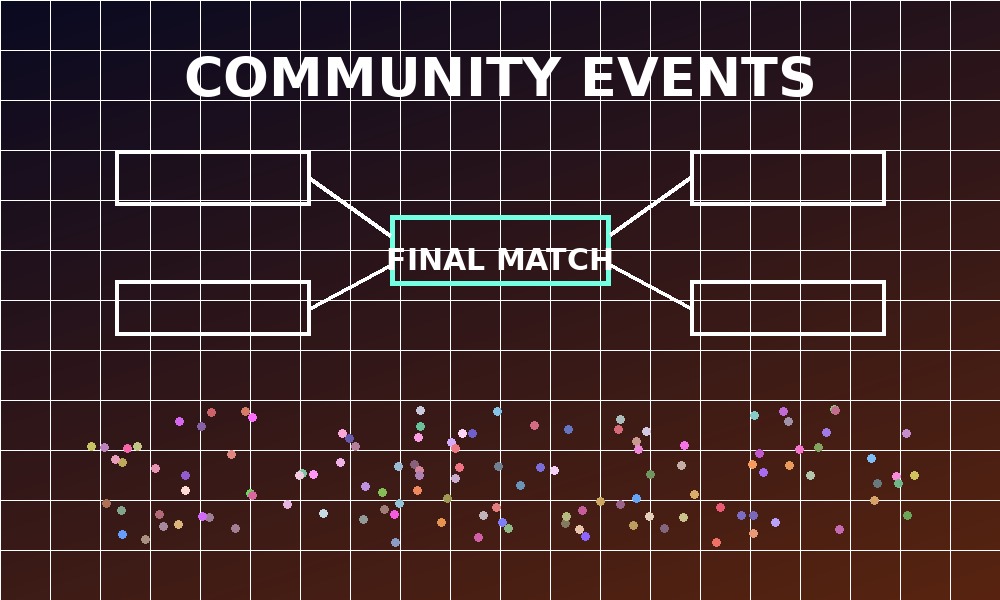
Gaming events can be online tournaments, school club nights, team practice sessions, or casual community challenges. These events help players meet others who enjoy the same games. They also give newer players a chance to learn from teammates in a lower-pressure setting.
A successful event should have clear rules, a start time, a contact person, and a simple way to join. For example, a weekly Friday match night could include a short warm-up, balanced teams, and a friendly rule that everyone gets to play. Keeping the event organized makes it easier for people to return next time.
Images used on this site were custom-created for this student project. Template source: Dimension by HTML5 UP, used under the HTML5 UP license. JavaScript date feature adapted from public JavaScript Date examples at W3Schools and the MDN Date reference.
Contact
Visitors can use this form to send questions, comments, or ideas about gaming topics that should be added to the website. The form includes the required name, email, phone, and comments fields so the site owner can receive useful contact information.
The form uses the mailto option with plain text encoding as required for this project. The name and email fields are required, and the phone field uses the tel input type. The comments area gives visitors space to explain their message clearly.